Capacity planning
Coverage says the signal reaches. Capacity says how many people it can carry once they are all using it.
How many users can one access point carry?
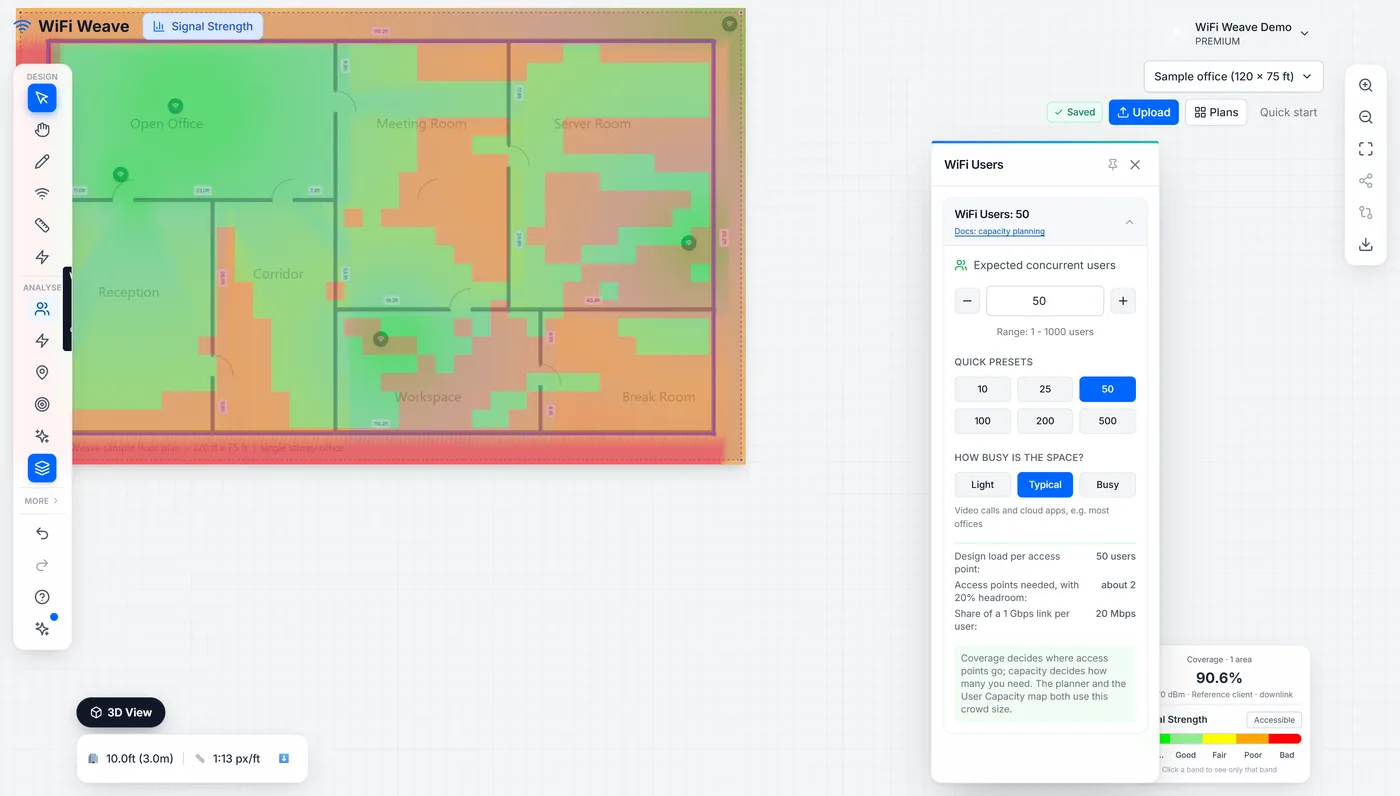
WiFi Weave designs to a load per access point that depends on how demanding the users are, not on the vendor's maximum client count. Set the headcount and the usage profile in the WiFi users panel; these are the design figures it uses.
| Usage profile | Design clients per AP | Typical spaces |
|---|---|---|
| Low demand | 60 | Warehouses, corridors, retail floors |
| Medium demand | 50 | Offices, classrooms, clinics |
| High demand | 30 | Lecture theatres, auditoria, conference halls, stadium bowls |
How do I read the User Capacity layer?
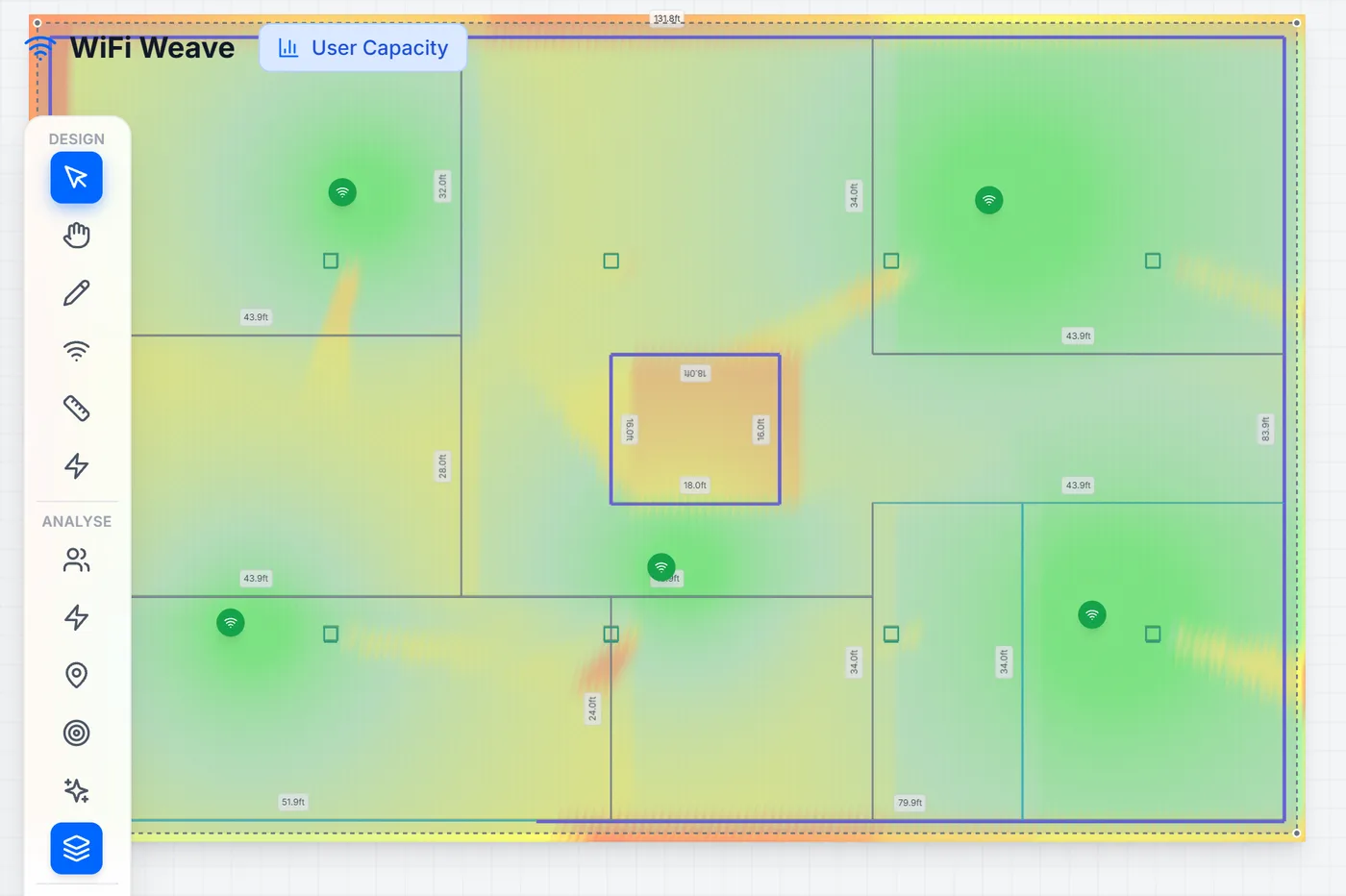
The User Capacity layer maps how many concurrent users each part of the floor can carry, not how strong the signal is. Open it when the complaint is "the Wi-Fi is slow in the room that is full and fine everywhere else" — that is a capacity problem, and a signal map will look perfectly healthy.
Common questions
Why does the design ignore the vendor's "500 clients per AP" figure?
Vendor maximums are association limits, not usable load. Airtime, not associations, is what runs out — so WiFi Weave designs to a realistic concurrent load per access point and applies headroom on top.