Exports
One design, six ways out of the tool.
What can I export?
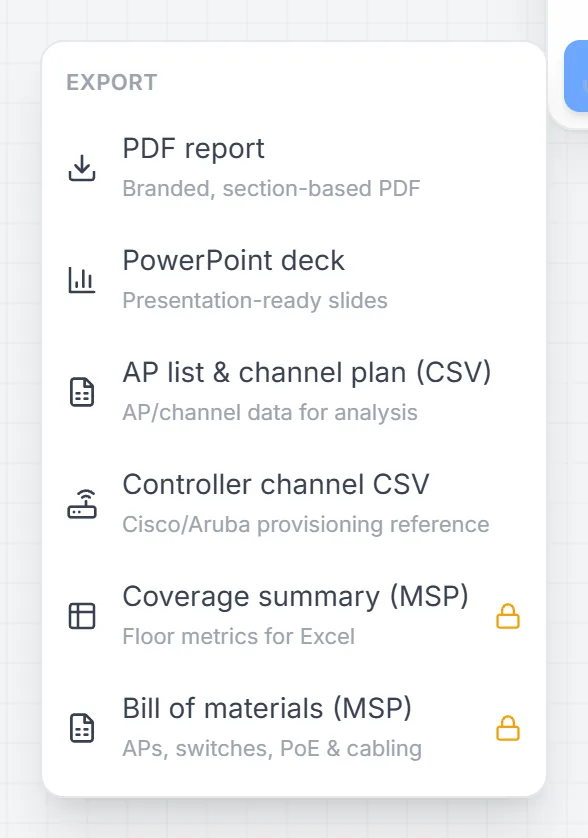
| Export | What it is for | Plan |
|---|---|---|
| PDF report | The client deliverable — branded, section-based | Basic, Pro, MSP |
| PowerPoint deck | Presentation-ready slides of the same design | Basic, Pro, MSP |
| AP list & channel plan (CSV) | Every access point with model, band, channel, power and position | All plans |
| Controller channel CSV | Channel and power per access point in a file you can apply on the controller | All plans |
| Coverage summary (CSV) | Floor metrics for Excel | MSP |
| Bill of materials (CSV) | Access points, switches with load, PoE and cabling with slack | MSP |
What is in the bill of materials?
Access points grouped by model with quantities, each designed switch with the access points and watts it carries, and total Cat6 cabling including slack — plus the totals and any warnings, such as a cable run over the Cat6 limit or a switch over its PoE budget.
Common questions
Can I get the design into my controller?
For Cisco Meraki, access points imported through the Live view connector are linked by serial, so the plan and the dashboard describe the same devices. For any controller, the channel CSV carries channel and power per access point and the AP list CSV adds model, band and position.