Roaming simulation
Coverage maps are static. People are not.
How does the roaming simulation work?
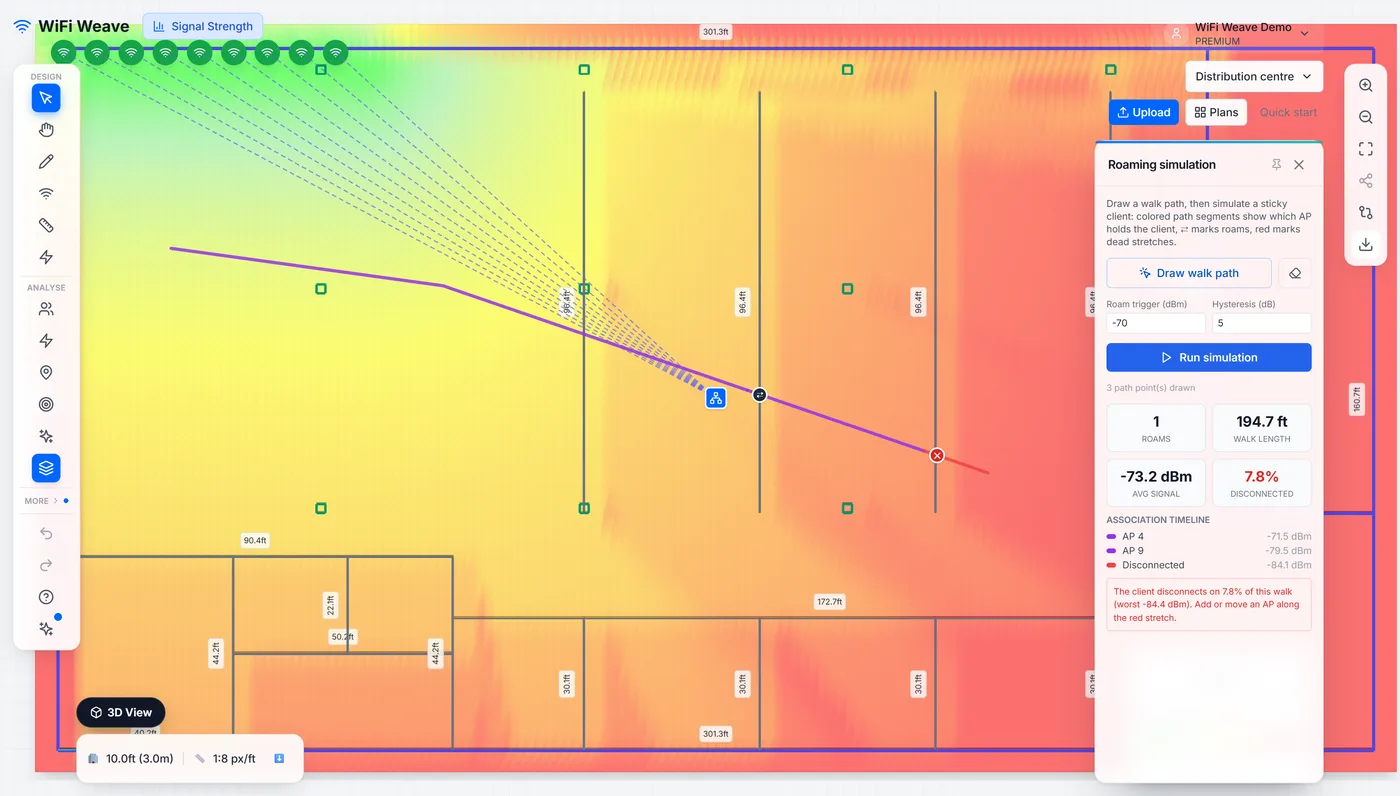
Draw a walk across the plan, set the roam trigger and hysteresis, and run it. The simulation reports each roam, the signal at every step, the average along the path, and warns where a client would ping-pong between two access points.
What roam trigger should I use?
Most clients start looking for a better access point somewhere around −70 to −75 dBm, and hysteresis stops them flapping between two that are nearly equal. Change the trigger to match the client fleet you are designing for and re-run — the number of roams along the same path will change.
Common questions
Why does the simulation warn about sticky clients?
Because a client that holds on to a distant access point while a much closer one is available will run at a low rate and hurt everyone on that radio. The warning marks the stretch of path where it happens.