Comparing designs
For the conversation that starts "can we do it with fewer access points?"
How do I compare two designs?
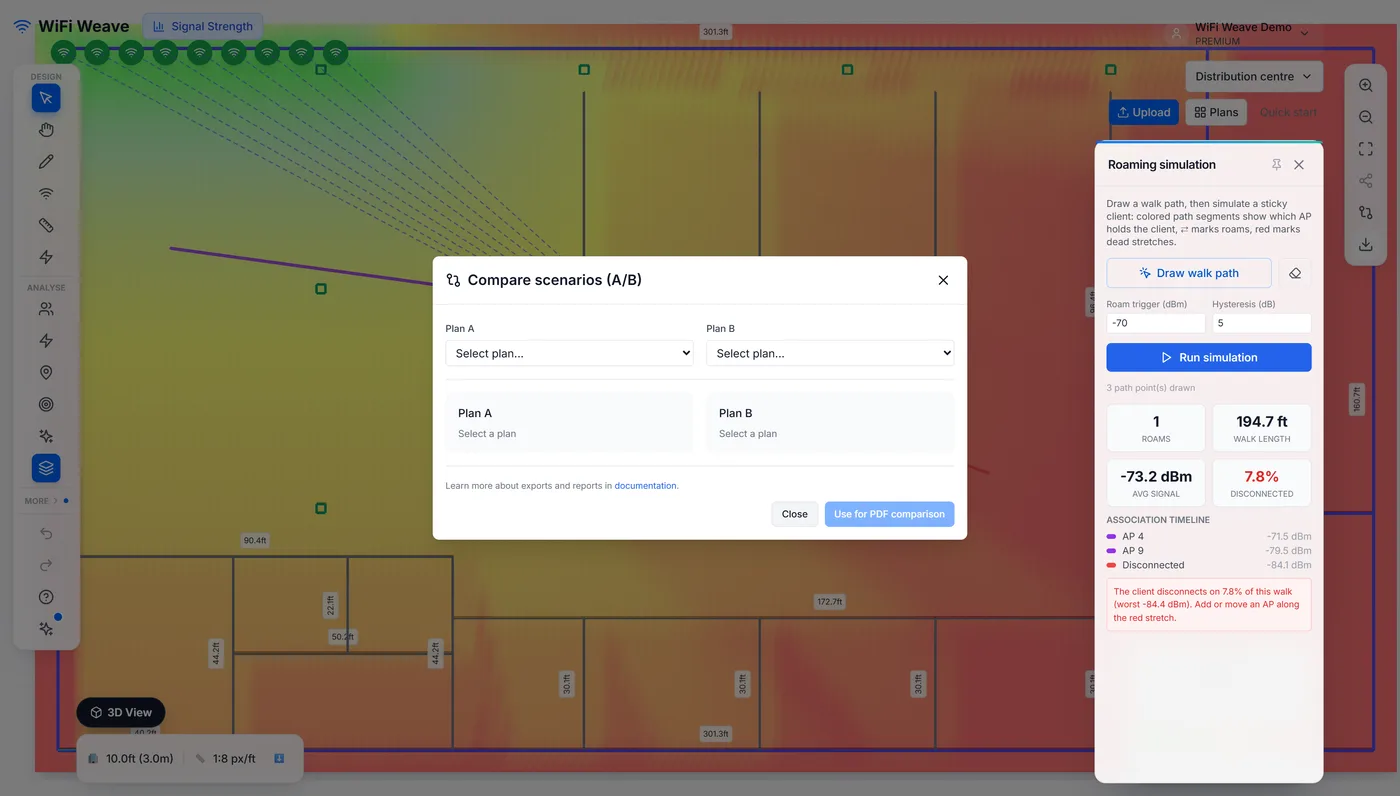
Duplicate the floor plan as a scenario, change the copy — remove an access point, move some, change models — then open Compare scenarios and pick the two. The comparison shows coverage, access point count, estimated hardware cost and floor area for each, and the deltas between them.
Can the comparison go in the client report?
Yes. Use for PDF comparison adds a page that states both options neutrally, with the coverage difference in percentage points and the cost difference — the page you want in front of someone choosing between a budget and a full design.
Common questions
Where does the hardware cost come from?
A default per-access-point figure used for comparison only. It is there to show the shape of the trade-off, not to quote from.